Describe what the player does, what they are trying to achieve, and the world around them. Add a mood or visual direction if you have one. You can start with a few sentences.
Your agent turns the idea into a playable version with a scene, behavior, and controls to edit it. You don’t need to design every level before you find out whether the first one is fun.
Start with one clear activity. Exploring a valley and lighting its lanterns is enough for a first version. A larger world can grow from there.
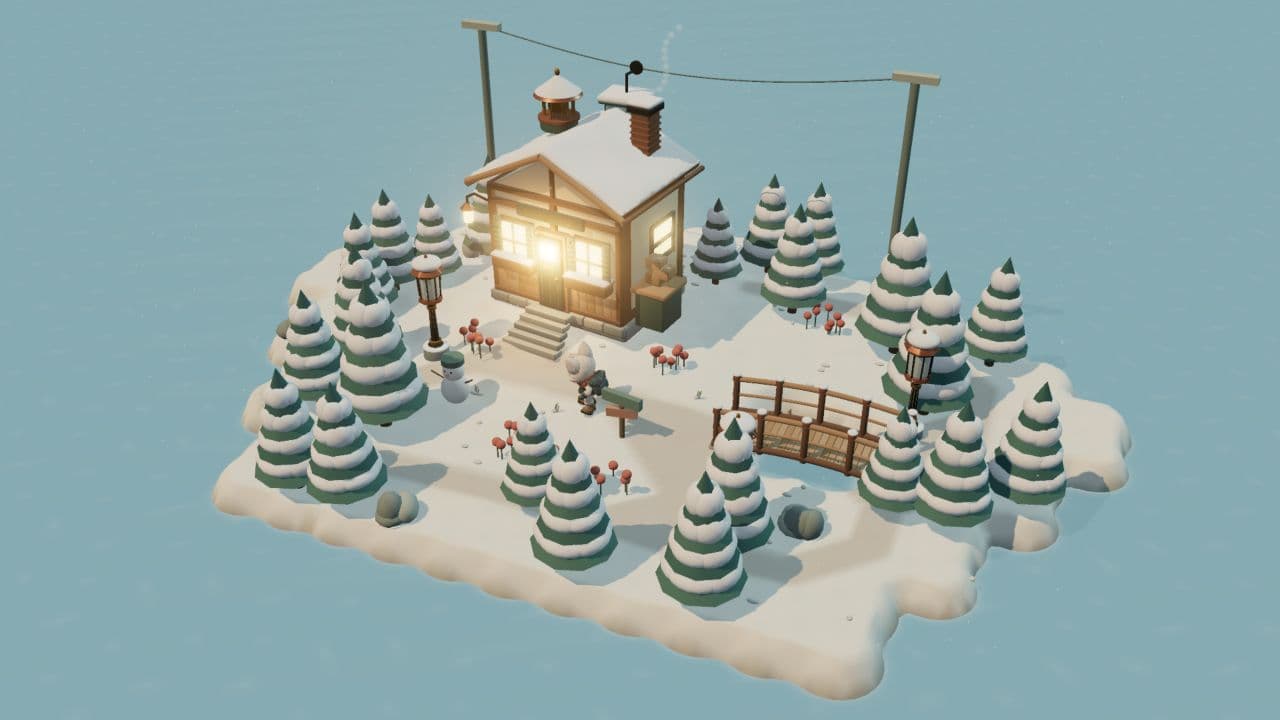
“A snowy valley where a little fox lights three lanterns before nightfall. Tap to walk, with footprints in the snow. Make it feel quiet and warm, like coming home.”
The action
Walk, explore, light lanterns.
The goal
Find all three before nightfall.
The feeling
A quiet winter evening.
Get to know your workspace.
Play, Editor, Assets, Code, and Tools are views of the same game. Move between them as you work; your project stays together.
Snowbell
WorldCharactersLanterns
Make the small decisions yourself.
The agent creates editing controls for your game. Choose a place, character, or rule, then change its properties directly. Your edits become part of the project.
Use it for a position, a number, a line of dialogue, or a whole new path.
Ask for a change. Or make it yourself.
Use the agent for a new idea or a bigger change. Use the Editor when you already know exactly what you want. Both work on the same game.
“The last lantern is too hard to find. Give it a warm glow and make the path lead toward it.”
A specific change gives you something clear to judge in the next playthrough.
Describe the result you want.
Talk about what you noticed while playing. “The jump feels heavy” is a useful starting point. Add what should stay: the character, the level layout, or the light you already like.
Lantern lightWarm amber
Glow distance3.2
Undo last change
Put your own eye into the details.
Select an object, tune a value, move a path, or rewrite a greeting. The controls are made for your game, so an island, a puzzle, and a racing game can each have a different Editor.
Play after each meaningful change.
Try the main action again. Does the jump land? Is the goal clear? Can you find your way? Keep what improves the game, undo what doesn’t, then choose the next thing to work on.
Ask for artwork that belongs to your world: a fox in a winter coat, a crooked post house, or a lantern with a familiar glow. Give your agent a clear direction and refine the pieces that matter most.
Inspect the shape.Open Assets, rotate the model, and look at its silhouette and materials from more than one angle.
Try the movement.Preview an idle, walk, or run. Pause the animation to look closely at a pose.
See it in the game.Check its size, light, and movement alongside everything else. A character should read clearly on the screen your players will use.
The game can feel different under your thumb. A small screen makes it easier to notice a tiny target, a crowded scene, or a camera that needs more room.
Open the phone preview.Prepare a version of your game and bring up its QR code in the Editor.
Scan it in the Dashpop app.Download that version to your phone. Play it away from your desk and keep it with you.
Bring your observations back.Tell your agent what felt awkward, adjust it, and send the next version. Keep comparing the experience on the device itself.
Build toward a release under your own name. Give the game an identity, decide how people will get it, and keep improving it after launch.
01
Make it yours.
Choose a name, an app icon, and the studio name players will see. Show the game’s best moments in screenshots and explain what makes it worth playing.
02
Choose the release.
Publish for the web, the App Store, or Google Play. Release it for free, sell the full game, or build around extra content. Your game’s business model is your choice.
03
Keep building.
Watch where players get stuck and what they enjoy. Turn that feedback into the next update: a better first minute, a new level, or another reason to return.
Why an agent-native game engine matters.
With the Dashpop Game Engine, your agent can work with the actual game: its source, assets, editing controls, and the result on screen. It can make a change, build it, and try an interaction before continuing.
You stay in the same creative loop. Take over a detail in the Editor, ask the agent for the next change, or connect the agent and harness you already use through MCP. The project holds your work beyond any single conversation.